Logging is the unsung hero of software development. At best it’s viewed as functional, and at worst it’s seen as a chore to implement and clutter in the working directory. But to me, there are few better tools to debug code in development, monitor for issues, and identify security incidents – and the bigger the repository for investigations, the better.
I recently finished implementing a basic logging system for a home project I’ve been working on this year. It’s very simple – at the beginning and end of each task the code calls a logging function and records what it was doing and whether it was a success or a failure. Still, the results have been invaluable in understanding crashes and issues ever since.
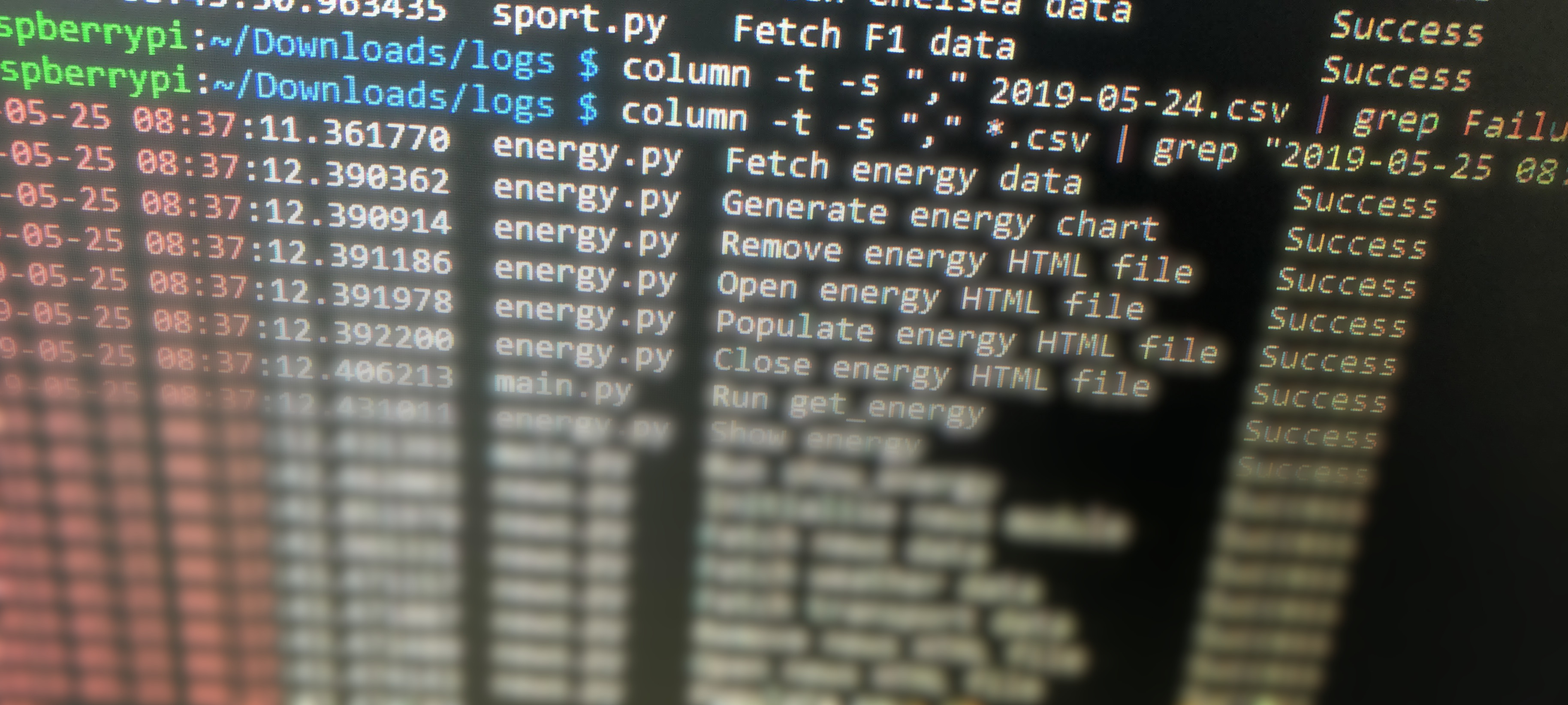
I’d never done much log manipulation in the Linux command line before, either, always having had access to more sophisticated tools. After doing some digging (read: Googling), one of the biggest weapons in my arsenal is now the column command, which can read CSV files into neat tables, making them a lot easier to read in the terminal.
Combined with grep, it’s a powerful tool for searching a directory full of log files and displaying the results in a nice format. For example, I can search my logs for the word “Failure” to see any times where an action went wrong – perfect when you’re testing an application that’s designed to be run for long periods of time without interruption.
 Stack Stubs